

You can use Consent on any platform or CMS. The installation process is straightforward. Let's look at the steps:
Step 1: Open the Dashboard
Click the dashboard to begin the setup process.
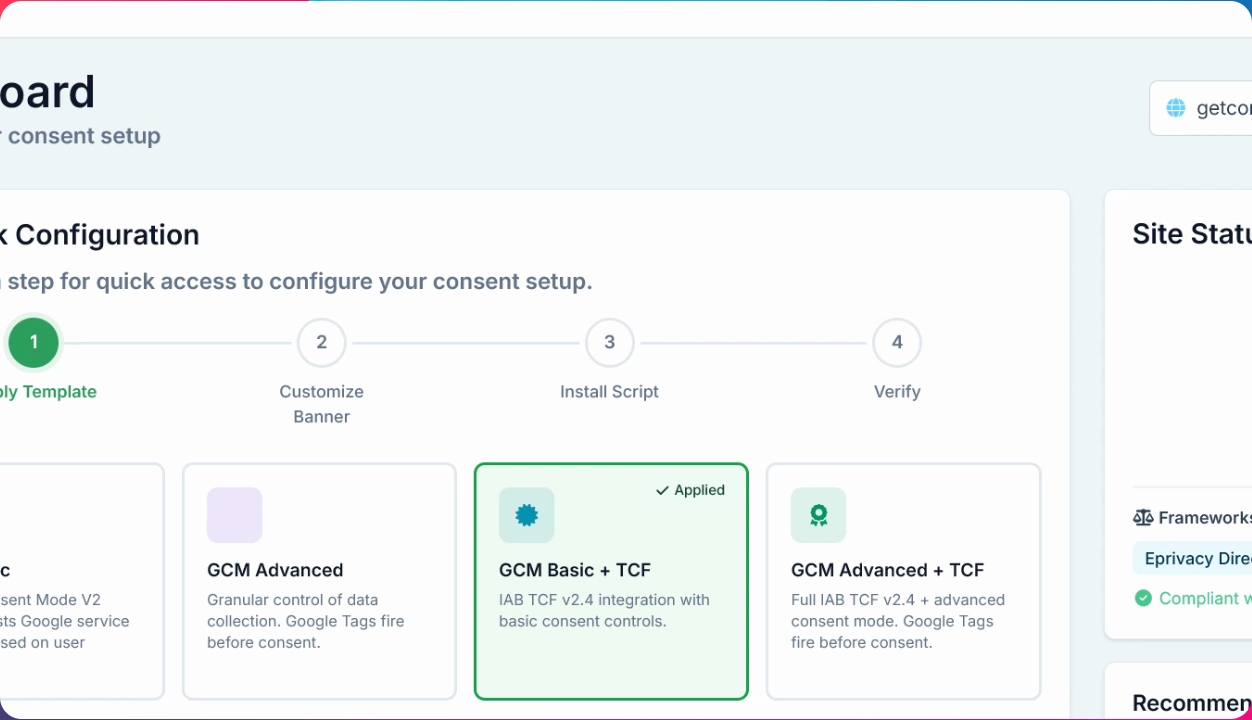
Step 2: Choose Consent Mode
Select the Google Consent mode you want to use. Then, click Install script and copy the generated script.
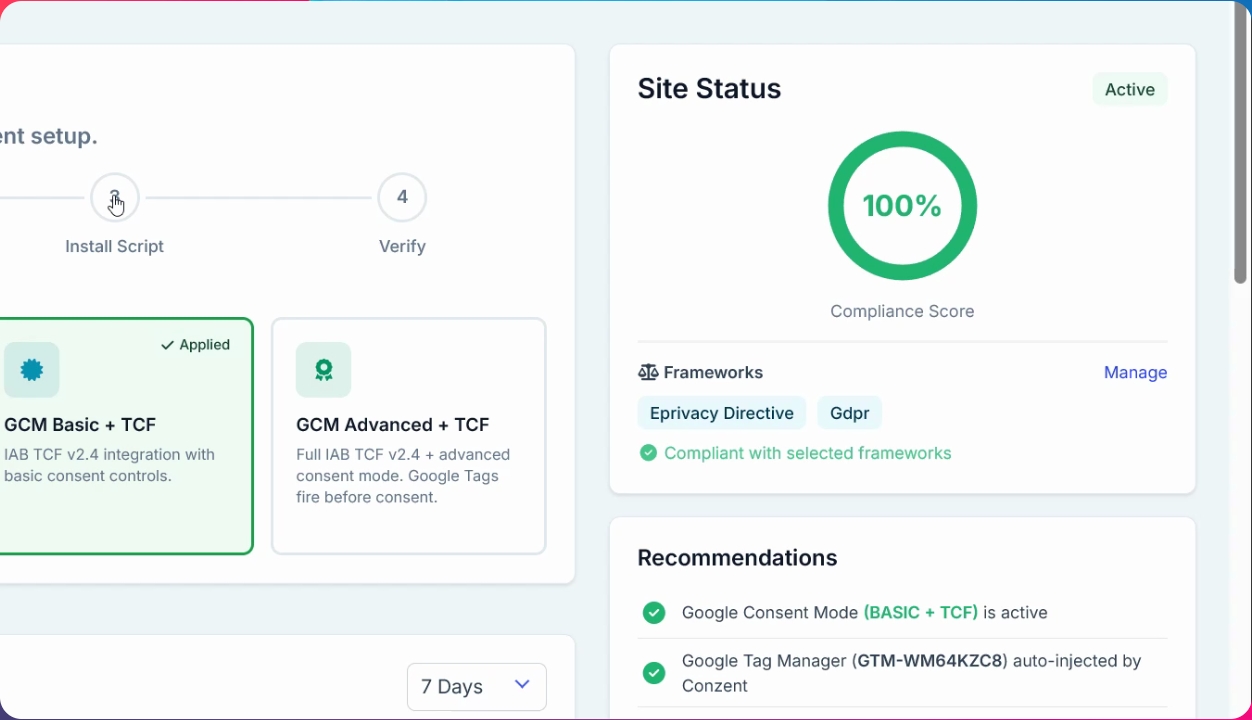
Step 3: Add Script to Your Platform
Paste the copied script into your website or CMS. Insert it as close to the start of the <header> tag as possible.