

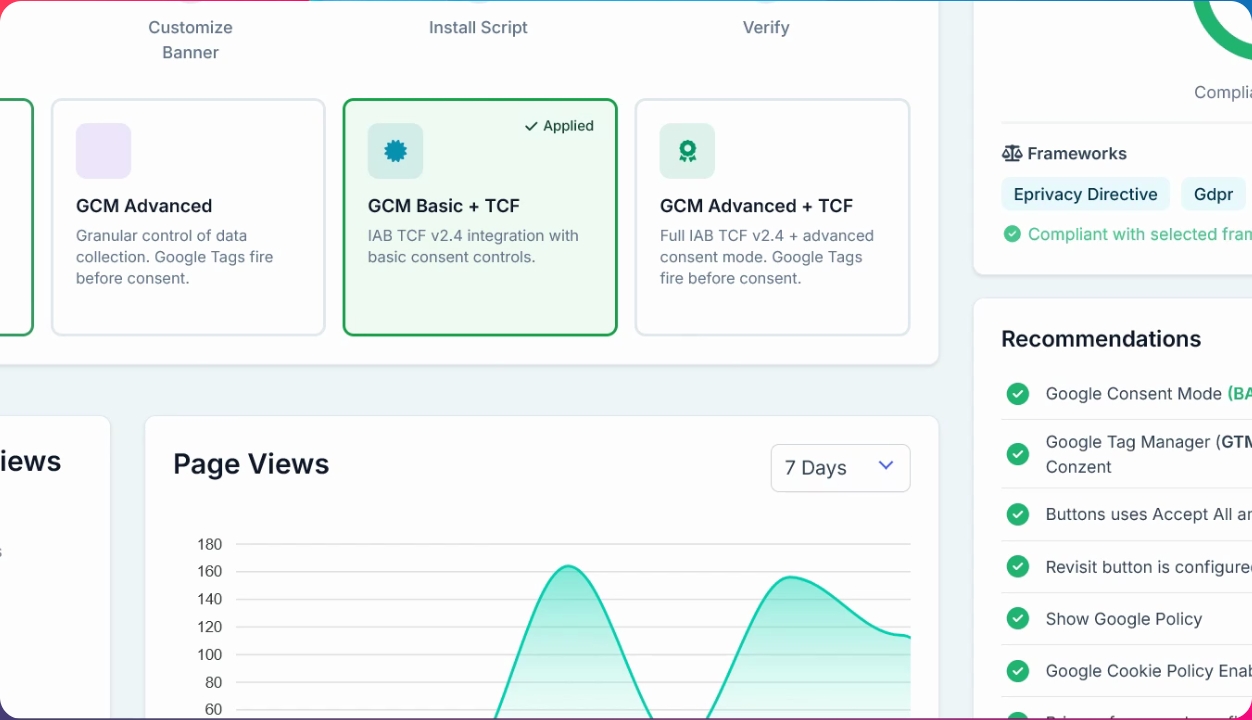
Google Consent Mode lets you choose between Basic, Advanced, or Basic Advanced (including tcf) modes. Let's look at the steps:
Step 1: Select Consent Mode
Click to choose your preferred Consent Mode—Basic, Advanced, or Basic Advanced (including tcf). Then click Apply.
Step 2: Customize Banner Settings
Open the banner settings and customize your banner as needed.
That's it. Your Consent Mode and banner are now updated.