

This guide shows how to find and copy your script key from the Dashboard for use in Google Tag Manager or other containers. Let's look at the steps:
Step 1: Open Install Script in Dashboard
Go to the Dashboard and select Install Script to locate your key.
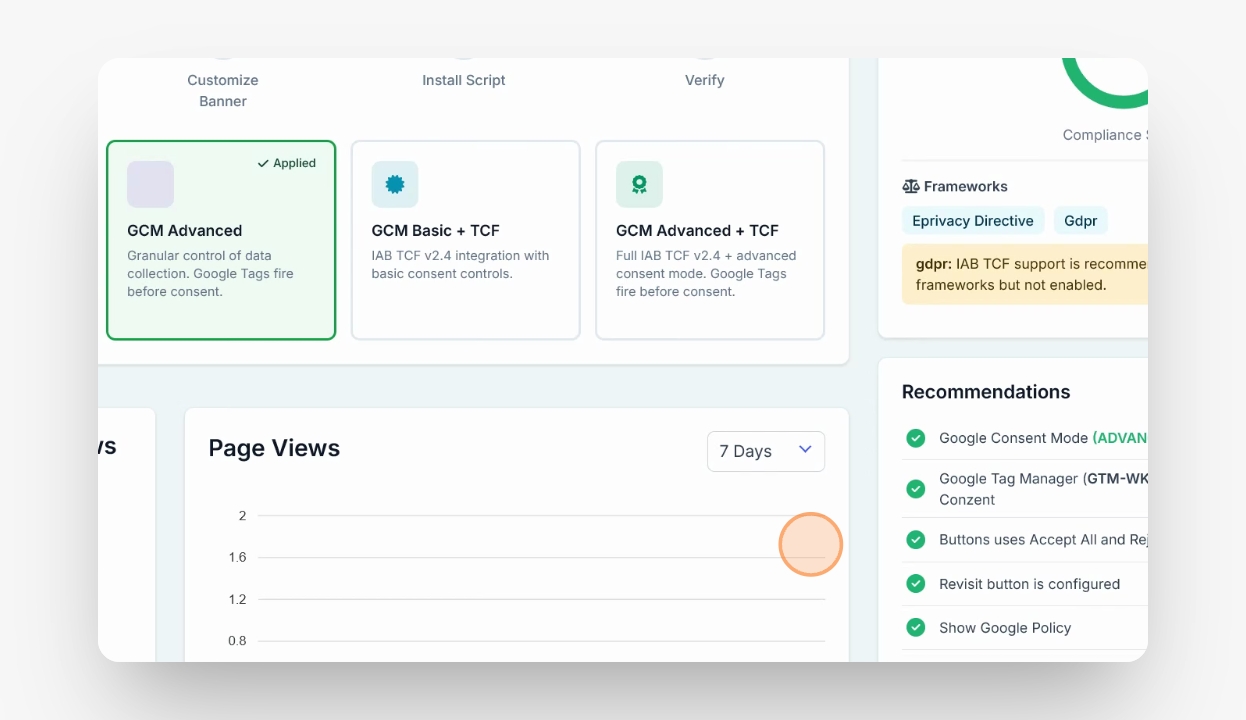
Step 2: Copy the Key or Script
Double-click the key, right-click and copy, or copy the entire script as needed.
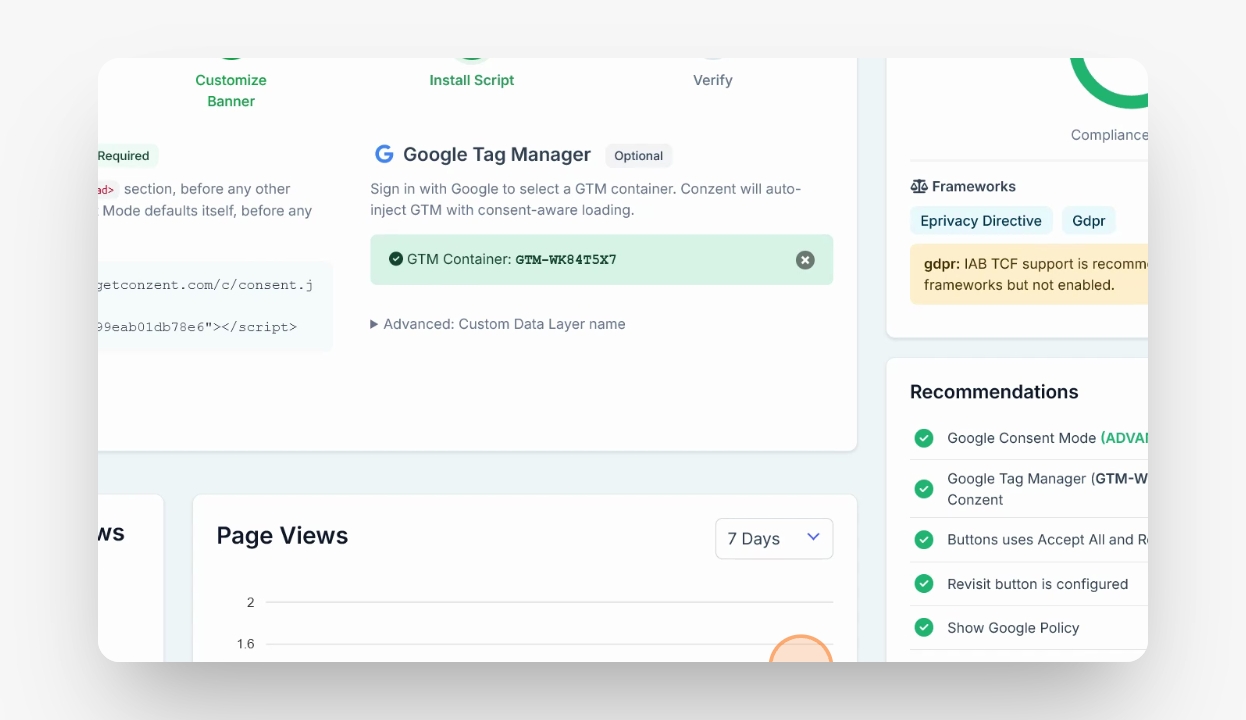
Now you have your key. You can use it in Google Tag Manager, insert it manually, or add it via any other container as required.